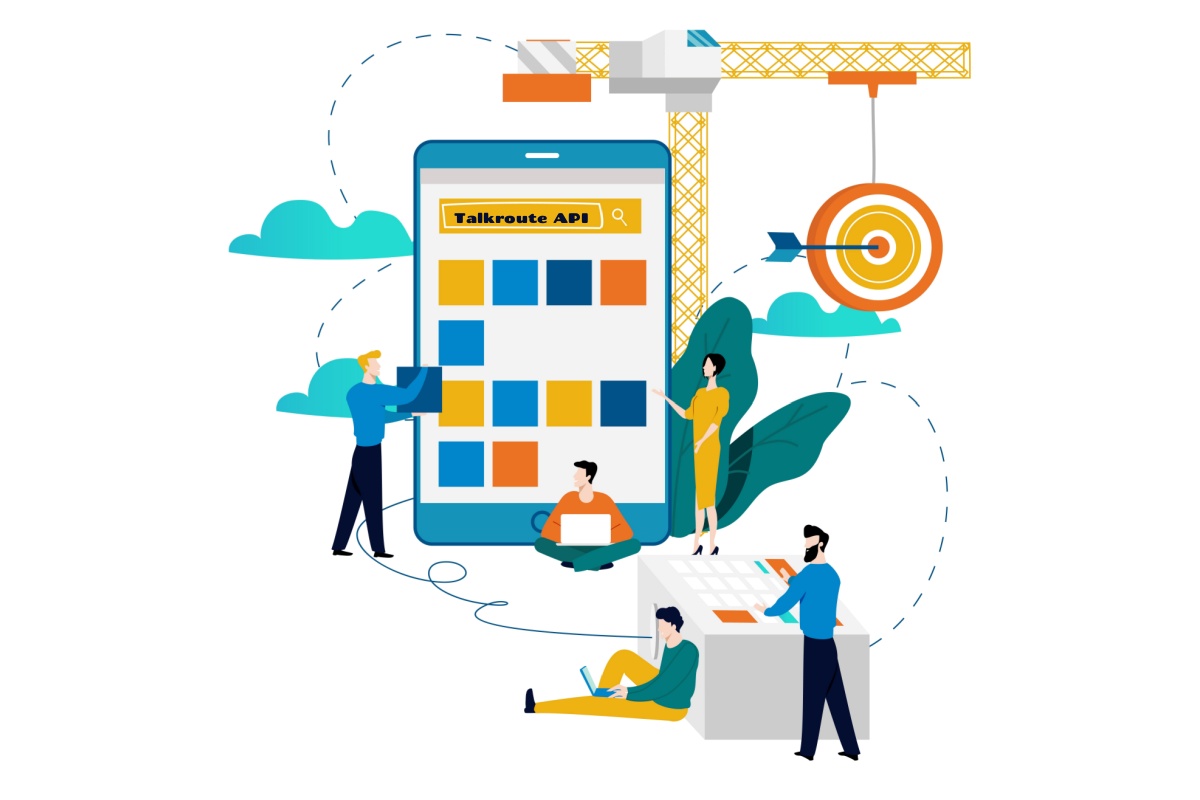
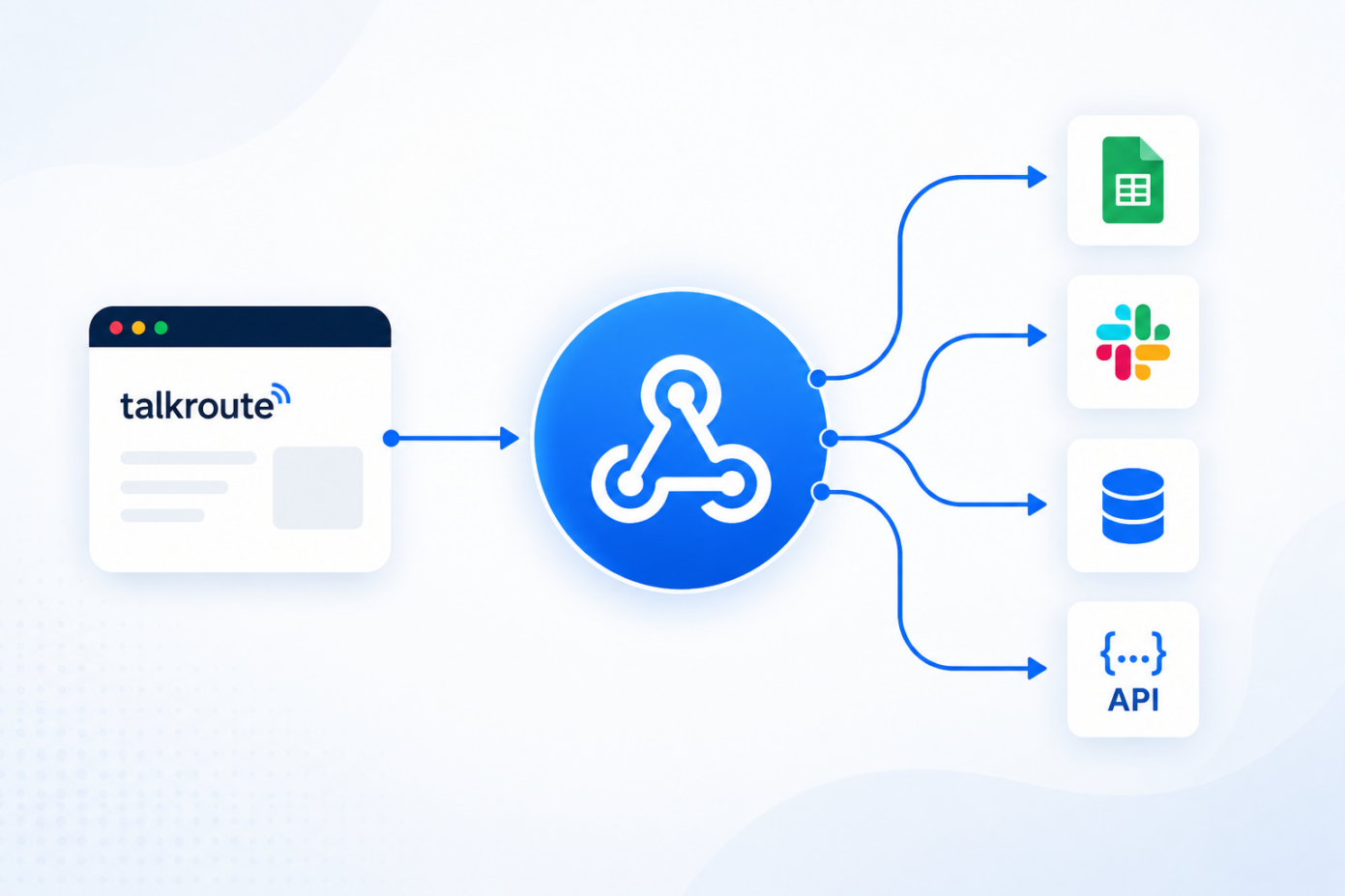
Every missed call, unanswered text, and unheard voicemail is a customer deciding whether to wait for you or call someone else. Business webhooks solve that problem by letting your phone system instantly notify your other tools. So the moment something important happens, you can respond faster without watching a screen all day. Business webhooks are automatic notifications sent between software tools. When events like missed calls, new texts, or voicemails happen within your phone system. Eliminating manual processes & reducing the need to enter data by hand. This guide breaks down exactly what webhooks are, how they work, & how to connect them to the systems you already use. The sections below explain how webhooks work, how they differ from APIs, and how to connect them to the Talkroute API and Bulk Texting features. What Is a Webhook? Think of a business webhook as an automatic notification that one system …
How the Talkroute API Helps Your CRM Work Smarter
CRM phone integration with Talkroute centralizes call data, text messages, and voicemail inside CRM records, creating a single source of truth for every customer interaction. Automatic call logging and screen pops give sales teams and customer support agents real-time caller context without manual data entry. Talkroute’s application programming interface supports HubSpot phone integration, Salesforce phone integration, and connections to other crm systems via webhooks and REST endpoints. Teams can automate follow ups, tasks, emails, and texts based on call outcomes, boosting response speed and revenue. Explore the Talkroute API and Bulk Texting for scalable messaging workflows. Introduction: What Is CRM Phone Integration with Talkroute? CRM phone integration is the connection between your CRM platform and your cloud based phone system. When these two tools work together, your team can make, receive, and track phone calls without leaving the CRM. Talkroute acts as the business phone layer, routing incoming calls, outbound …
15 Ways Businesses Use the Talkroute API for Phone Automation
Business phone automation means connecting your cloud phone system to APIs so that phone calls, SMS, routing, and internal notifications happen without manual effort. This is a really important thing to have dialed-in as communications continue to modernize. Automated phone systems can answer calls in under one second, operate 24/7 without overtime costs, and reduce missed calls by up to 80% – saving businesses the roughly $126,000 they lose annually to unanswered calls. In 2026, rising call volume & customer expectations pushed small business owners away from relying solely on live answering. With the Talkroute API, Build CRM integrations, sync customer data, send text messages, trigger workflows with webhooks, and connect with the software your team already relies on every day. Why Businesses Are Automating Communication The drivers are straightforward: speed, efficiency, 24/7 availability, and consistent customer experience across all phone calls. Since 56% of business owners report customers prefer …
What Can You Build with a Business Phone API?
Modern businesses use an average of 87 different software tools to manage everything from sales pipelines to customer support tickets. Yet for many companies, the phone system still operates on its own island – disconnected from CRM, the helpdesk, & the analytics dashboard that drive daily decisions. Business phone API’s change that. It’s a programmable interface that lets your phone system connect with other business applications automatically. Whether you call it a phone system API, a communications API, or a VoIP API, the concept is the same: calls, text messages, voicemails, and contacts flow between your communication channels and the software your team already uses. Talkroute is a cloud-based business phone system with an API built for exactly these workflows, enabling business automation, improved customer experience, faster response times, and increased efficiency tied directly to revenue growth. What Is a Business Phone API? Business phone API’s allow developers to integrate …
Are AI Receptionists Replacing Human Receptionists?
Businesses everywhere are asking the same question: will AI replace receptionists, or is the reality more nuanced than the headlines suggest? The short answer is that AI receptionists are changing front desk operations fast, but they’re not eliminating the need for human teams. Here’s what actually matters for your business in 2026. Key Takeaways When you compare an AI receptionist vs human receptionist, the answer isn’t one or the other. It’s about finding the best setup for your specific call volume, budget, & customer expectations. AI receptionists dramatically reduce missed calls and response time by providing 24/7 availability and eliminating missed calls, but they don’t fully replace human receptionists for complex, emotional, or relationship-driven conversations. Most businesses are running a hybrid model: AI handles overflow, after-hours, and routine calls while human receptionists focus on high value interactions that require judgment & empathy. Full-time physical receptionists often cost $40,000–$60,000 per year …
How AI Receptionists Improve Customer Response Time
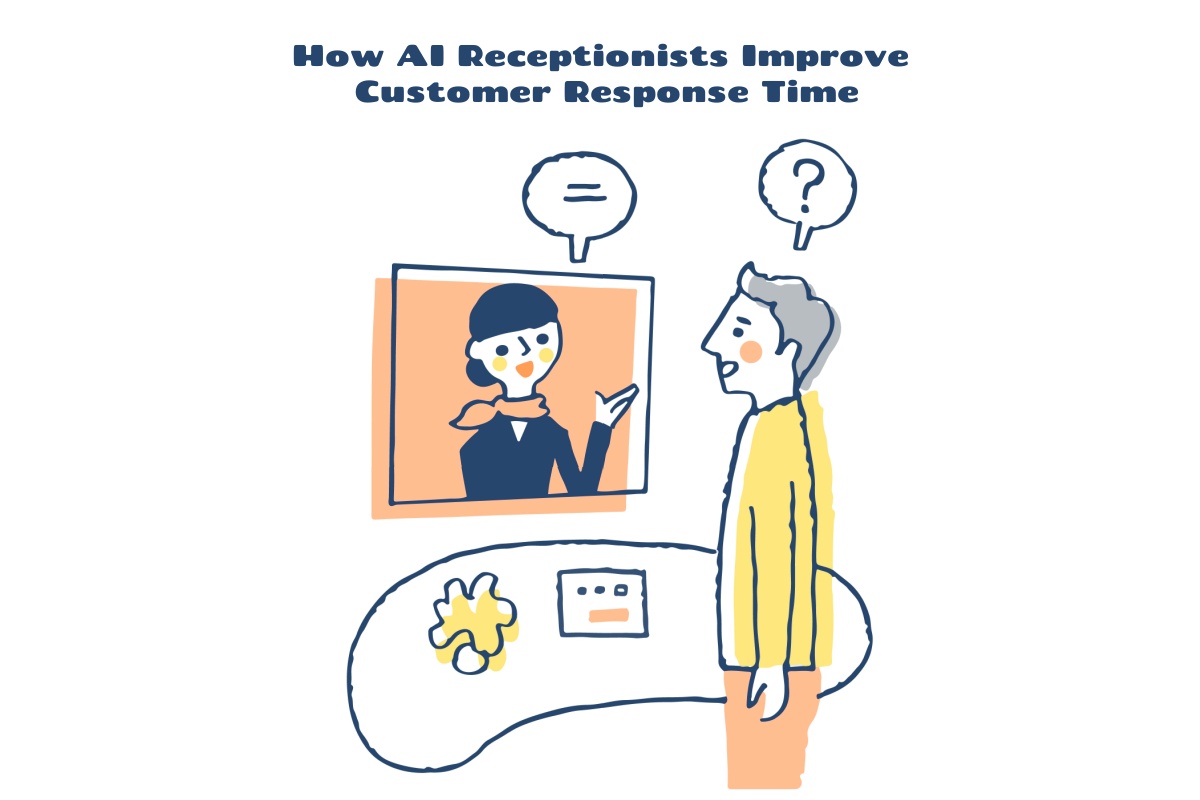
Most callers expect near-instant answers, not voicemail, long ring times, or hold queues. For service businesses, AI receptionist response time has become a real competitive advantage because the first company to respond often wins the job. This matters in plumbing, HVAC, healthcare, legal, home services, and any business where customer calls signal immediate buying intent. Studies across service industries show that 60–80% of callers will not leave voicemail, and many call the next provider within 5–10 minutes. An AI receptionist, AI virtual receptionist, or AI phone answering service can cut response time from hours to seconds, helping reduce missed calls, lower abandonment, and turn more inbound calls into revenue. In this article, we’ll go over everything you should know. Why Response Time Matters More Than Ever If a homeowner has water pouring through the ceiling, they are not comparing five proposals. They are calling plumbers until a real person, human …
AI Receptionist vs Answering Service: What’s the Difference?
Many businesses already use an answering service to avoid missed calls when staff are busy, closed, or out in the field. Since 2024, AI receptionists have become a practical alternative, giving small businesses a faster way to answer & route calls, and capture leads without hiring more staff. Industry data shows that service businesses can miss 30–70% of calls during busy periods or after hours, creating measurable revenue loss every month. This article compares an AI receptionist vs answering service in practical terms: cost, availability, response speed, appointment booking, and when a human operator is still the better fit. AI phone answering is not just voicemail with a better greeting. Modern AI agents can hold a natural language conversation, collect caller details, work with phone systems, and complete basic workflows through a virtual phone system. Hybrid approaches are often best: AI handles routine calls, while a live person handles escalations, …
How an AI Receptionist Helps Small Businesses Capture More Leads
Most inbound phone calls to a small business represent real revenue opportunities – someone looking for a quote, scheduling a repair, or hiring a professional. Yet in 2026, 74.1% of small business calls go unanswered. Those callers simply move on to the next option on Google. Voicemail doesn’t save the situation either: roughly 85% of callers who hit a voicemail promptly hang up without leaving a message. AI receptionists for lead capture is an AI powered call answering system that answers every call automatically, conducts conversation to collect caller details – name, phone number, reason for calling, preferred callback time – and then sends the team an instant summary or transcript. This kind of lead capture tool replaces the dead end of voicemail with a structured, always-on intake process. The numbers are hard to ignore. The median small service business loses an estimated $126,000 annually from calls that go unanswered. …
What Is an AI Receptionist? (And How Small Businesses Are Using It)
Customer calls into a local service business at 6:15 PM. The team is finished for the day, the owner is driving home, and the phone rings until voicemail picks up. The caller doesn’t leave a message. They search again, call the next company, and book with whoever answers first. That’s still how so many businesses lose work. Businesses miss 30-40% of inbound calls during busy periods, & the problem gets worse during lunch breaks, evenings, weekends, and peak hours. So, what is an AI receptionist? In simple terms, it is a virtual receptionist that answers incoming calls, speaks with callers in their own words, captures key details, and helps route calls when your staff cannot pick up. It’s not a futuristic gimmick. Modern AI phone answering services are becoming a practical operational tool for businesses that need better call handling without hiring a full time receptionist. In this article, we’ll …
Mobile Hustle: Run Your Business From Your Cell Phone
More often than not, founders & small teams now operate their entire company from an iPhone or Android device. The shift isn’t a novelty anymore—it’s the default for many modern businesses that prioritize flexibility over traditional office infrastructure. Yes, you can run most or all of a modern service business from a smartphone or tablet. The global Mobile Device Management market is projected to grow at 24.5% annually through 2030, driven by hybrid work models & entrepreneurs who refuse to be tied to a desk. If your work centers around client communication, project coordination, invoicing, and marketing, a phone can handle 80–90% of your daily tasks without breaking a sweat. For the majority of small business owners, the cell phone in your pocket is a fully capable business command center. Let’s walk you through everything you need to know: setting up your mobile workflows, choosing the right apps, handling communication …