

A virtual call center is a cloud-hosted customer support operation where remote agents handle customer interactions using internet telephony and integrated software, with no physical office required. The industry term is “virtual contact center,” and both names describe the same model. Platforms like Five9 and Talkdesk have built entire product lines around this approach, which tells you how mainstream it has become. For small business owners, the appeal is direct: you get enterprise-grade customer service capabilities without leasing office space, buying hardware, or hiring an on-site IT team. Flexibility, lower overhead, and faster scaling are the core advantages.
What is a virtual call center and how does it work technically?
A virtual call center runs on cloud-based contact center software that acts as the central hub for every customer interaction. Agents log in from any location using a laptop or smartphone, and the software connects them to customers through VoIP (Voice over Internet Protocol) telephony. VoIP converts voice into data packets sent over the internet, which eliminates the need for traditional phone lines. Platforms like Talkdesk manage this infrastructure entirely in the cloud, so your team never touches a server.
The call flow logic is what separates a functional virtual contact center from a chaotic one. Virtual switchboards act as software PBX systems, managing call routing, voicemail, and automated attendants without any physical hardware. When a customer calls your business number, the system reads the incoming call, applies your routing rules, and directs the caller to the right agent or department. You can learn more about structuring this with IVR vs. direct dial options to decide what fits your call volume.

Multi-channel support is another defining feature. Virtual contact centers manage calls, SMS, email, and social media through a single cloud interface, giving agents full context on every customer regardless of the channel they used. This unified view prevents the frustrating experience where a customer explains the same problem three times to three different agents.
Key components of a functioning virtual contact center include:
- VoIP telephony for internet-based voice calls
- IVR (Interactive Voice Response) to route callers automatically
- Auto-attendant menus to handle calls outside business hours
- Omnichannel inbox combining phone, SMS, email, and chat
- Analytics dashboards for real-time performance monitoring
- Workforce management tools for scheduling and quality assurance
Pro Tip: Configure your call routing rules before you onboard a single agent. Routing logic is the backbone of the entire operation, and fixing it after launch is far more disruptive than building it correctly from the start.
What are the key benefits of virtual call centers for small businesses?
Virtual call centers reduce operating costs by eliminating physical equipment and office space, which are two of the largest overhead items in a traditional customer service setup. That cost reduction is not marginal. You remove rent, hardware procurement, on-site IT support, and utility expenses in one move. For a small business operating on tight margins, that difference is real money staying in the business.
Scalability is the second major advantage. A cloud subscription model lets you add agent seats or communication channels in hours, not weeks. If your business runs a seasonal promotion and call volume triples, you scale up. When the season ends, you scale back. Traditional call centers require physical space and hardware for every new agent, which makes that kind of flexibility impossible.
- Lower overhead costs. No office lease, no hardware investment, and no on-site IT team required.
- Fast scaling. Add or remove agent capacity based on actual demand, not projected headcount.
- Wider talent pool. Remote work lets you hire the best agents regardless of geography.
- Consistent customer experience. Centralized cloud software keeps service uniform despite agents working from different locations.
- Omnichannel readiness. Platforms anticipate adding digital channels for continuity, so you are not locked into voice only.
- Reduced IT burden. Software updates happen automatically in the cloud, with no manual patching required.
The omnichannel point deserves more attention. Small business owners often start with phone support and add text messaging for customer service later. A virtual contact center built on an omnichannel architecture handles that expansion without requiring a platform change. That future-proofing alone justifies the initial setup investment.
Virtual call center vs. traditional call center: which fits your business?
Traditional call centers require a physical location and hardware investment, while virtual contact centers run on cloud subscriptions with no upfront infrastructure cost. The operational model is fundamentally different, and the right choice depends on your business size, budget, and growth plans.
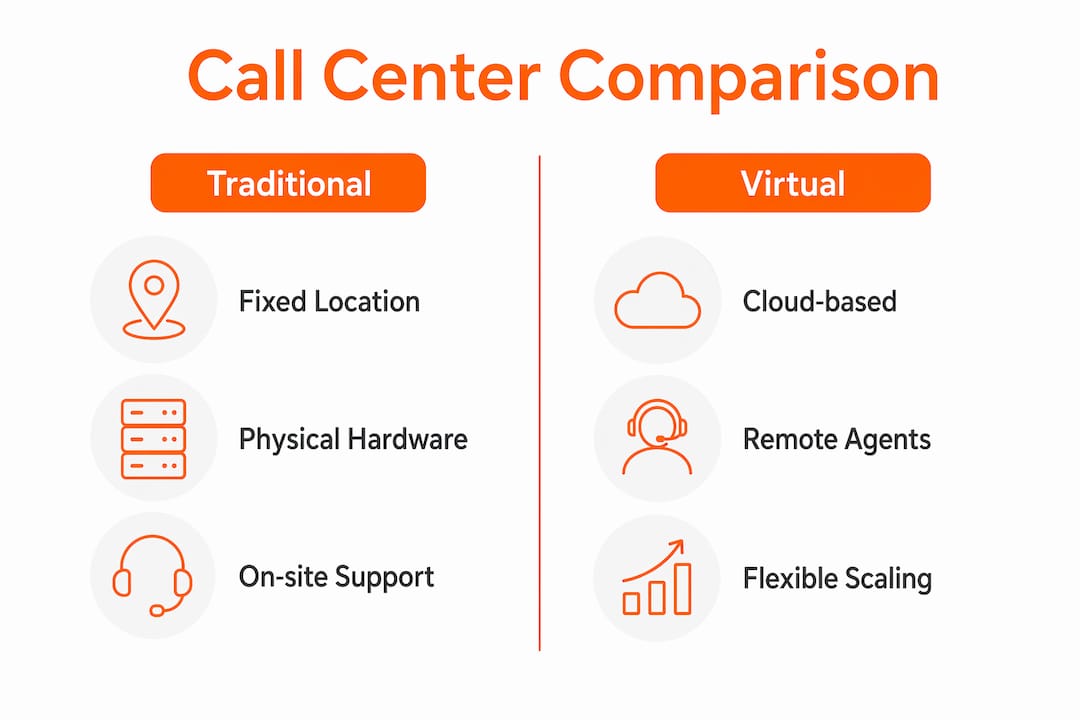
| Factor | Traditional call center | Virtual call center |
|---|---|---|
| Location | Fixed physical office required | Fully remote, any location |
| Startup cost | High (hardware, lease, IT setup) | Low (cloud subscription) |
| Scalability | Slow, requires physical expansion | Fast, add seats in hours |
| IT maintenance | On-site team required | Managed by the software provider |
| Workforce reach | Local hiring only | Hire from any geography |
| Omnichannel support | Often siloed by channel | Unified across all channels |
For most small businesses, the virtual model wins on every financial metric. The only scenario where a physical setup makes sense is when regulatory requirements mandate on-site data handling, which applies to a narrow set of industries. For the vast majority of small business owners, the advantages of virtual phone systems over traditional setups are clear and immediate.
How to implement a virtual call center for your small business
Implementation follows a logical sequence. Skipping steps, especially the planning phase, is the most common reason small businesses struggle after launch.
-
Assess your communication needs. Identify which channels your customers use most: phone, SMS, email, or chat. Prioritize those channels in your initial setup and plan for others later.
-
Choose your cloud contact center platform. Evaluate providers based on the channels you need, your agent count, and your budget. Talkdesk, Five9, and similar platforms offer tiered plans suited to different business sizes.
-
Configure call flows and routing rules. Routing rules, IVR logic, and escalation paths are the operational core of your virtual contact center. Map every possible call scenario before you go live. Use call forwarding strategies to handle overflow and after-hours calls without dropping customers.
-
Set up your auto-attendant. An auto-attendant greets callers, presents menu options, and routes them without agent involvement. This is your first line of customer service and shapes the caller’s first impression of your business.
-
Recruit and train remote agents. Remote agents need clear documentation on call scripts, escalation procedures, and software navigation. Training should include live call simulations, not just written guides.
-
Integrate with your CRM. Analytics dashboards and CRM integration give supervisors real-time visibility into agent performance, call resolution rates, and customer satisfaction scores. Without this data, you are managing blind.
-
Monitor, measure, and adjust. Review performance weekly in the first month. Identify bottlenecks in your call flow and fix them before they become habits. Call center software gives you the data to make those adjustments quickly.
Pro Tip: Do not launch with every channel active at once. Start with phone and one additional channel, master the workflow, then expand. Overbuilding on day one creates confusion for agents and inconsistent service for customers.
A common pitfall is underestimating the importance of call flow design. Small business owners often focus on the technology and assume the routing will sort itself out. It will not. Call flow configuration determines operational success more than any other single factor in a virtual contact center.
Key Takeaways
A virtual call center succeeds when cloud infrastructure, well-designed call routing, and omnichannel software work together to deliver consistent customer service without physical overhead.
| Point | Details |
|---|---|
| Cloud infrastructure is the foundation | VoIP telephony and cloud software replace all physical hardware and office requirements. |
| Call flow design determines success | Routing rules, IVR logic, and escalation paths must be configured before agents go live. |
| Cost savings are immediate and structural | Eliminating office space, hardware, and on-site IT removes overhead from day one. |
| Omnichannel architecture future-proofs growth | Starting with voice and adding SMS or chat later requires no platform change on a proper system. |
| CRM integration is non-negotiable | Real-time analytics and CRM data give supervisors the visibility needed to manage remote teams effectively. |
Why call flow design matters more than the technology
After watching small businesses set up virtual contact centers, the pattern is consistent: the ones that struggle are not using the wrong software. They designed their call flows poorly, or they did not design them at all.
Technology selection gets most of the attention in these conversations, and I understand why. Comparing platforms is concrete and feels productive. But the platform is just the road. Your call flow is the map. A great road with no map still gets your customers lost.
The businesses that get this right treat call flow design as a strategic exercise, not a technical one. They ask: What does a frustrated customer need to hear in the first 10 seconds? What happens when no agent is available? Who handles escalations, and how fast? Those answers shape the routing logic, and the routing logic shapes the customer experience.
The other underrated factor is the human element. Automation handles volume, but customers who feel heard by a real agent are the ones who come back. The best virtual contact centers use IVR and auto-attendants to filter and route, then put skilled agents on the calls that actually require judgment. That balance is not automatic. You build it deliberately.
My honest advice: spend twice as long on workflow design as you think you need to. Then test it by calling your own business number as a customer would. You will find problems you never anticipated, and fixing them before launch costs nothing.
— Paul
How Talkroute supports your virtual communication setup
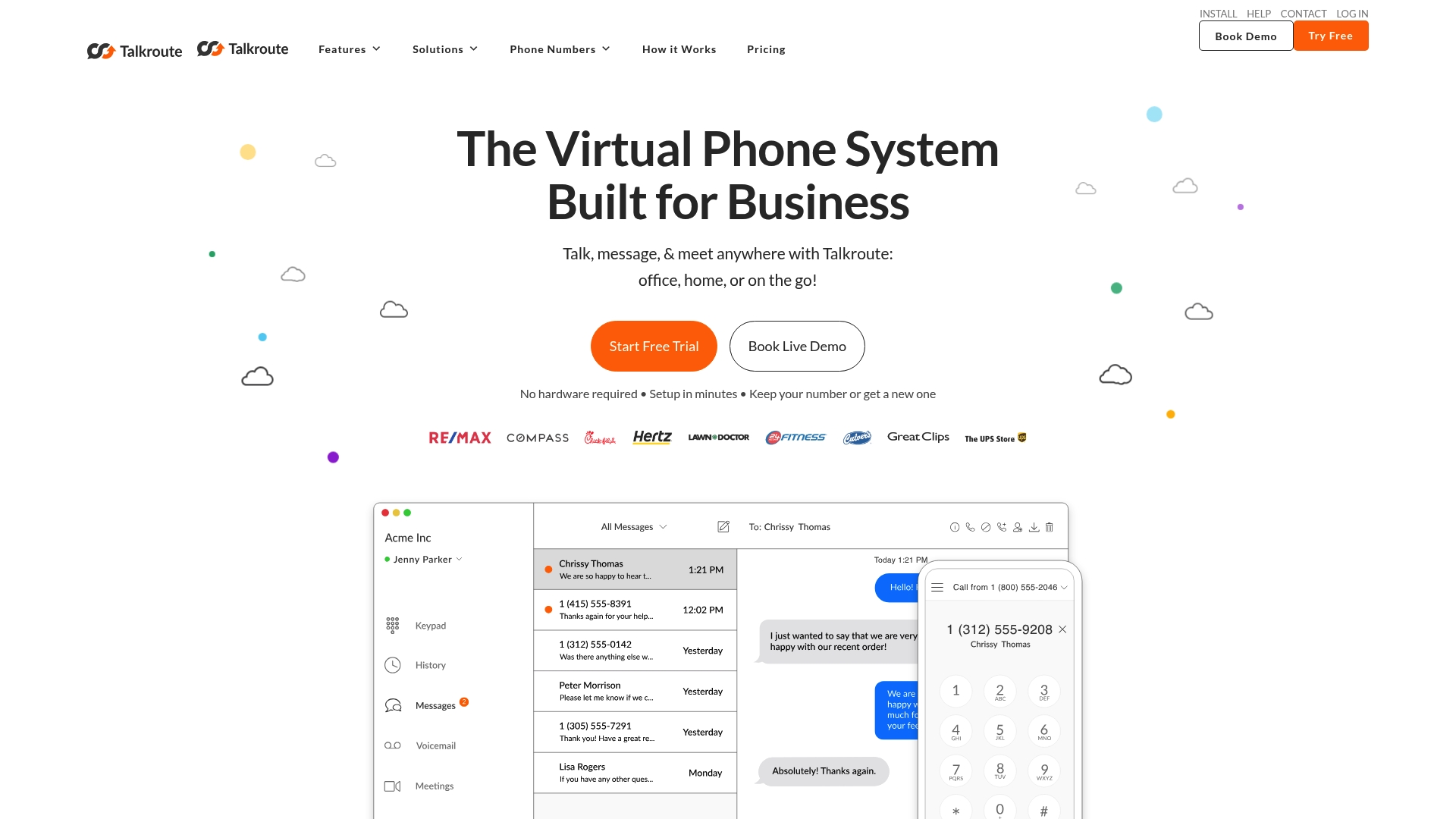
Running a virtual contact center means your phone system has to work perfectly every time, from anywhere. Talkroute is built for exactly that. It gives small businesses local and toll-free business numbers, custom call routing, auto-attendant menus, and SMS capabilities, all managed through desktop and mobile apps with no hardware required.
If you are evaluating how to structure your business communication, effective business communication is the foundation every customer-facing operation depends on. Talkroute makes it straightforward to set up professional call routing and auto-attendant menus that reflect how your business actually operates. You can also explore how call center software capabilities translate directly into better customer outcomes for businesses at any stage.
FAQ
What is a virtual call center in simple terms?
A virtual call center is a customer service operation where agents work remotely using cloud-based software and internet phone calls instead of a physical office. All communication, including calls, texts, and emails, is managed through a single online platform.
What is a virtual switchboard?
A virtual switchboard is a software-based PBX system that handles call routing, voicemail, and automated attendants without physical hardware. It replaces the traditional office switchboard and works entirely over the internet.
What is a virtual phone system?
A virtual phone system is a cloud-based phone service that routes calls to any device, including mobile phones and laptops, using a business phone number. It gives small businesses professional call handling features without dedicated phone hardware.
How does a virtual call center differ from a traditional one?
Traditional call centers require a fixed office, physical hardware, and on-site IT support. Virtual contact centers run on cloud subscriptions, support fully remote agents, and scale up or down without any infrastructure changes.
Do virtual call centers support channels beyond phone calls?
Yes. Most virtual contact center platforms manage phone, SMS, email, live chat, and social media through a single interface. This omnichannel support gives agents full customer context across every channel they use.
Recommended
- Why You Need a Virtual Phone Number for Your Small Business
- How Does a Virtual Phone System Work? Talkroute Phone System
- How Your Business Can Benefit from a Virtual Phone Number
- Want Your Startup to Look Bigger? Get a Virtual Phone System

Stephanie
Stephanie is the Marketing Director at Talkroute and has been featured in Forbes, Inc, and Entrepreneur as a leading authority on business and telecommunications.
Stephanie is also the chief editor and contributing author for the Talkroute blog helping more than 200k entrepreneurs to start, run, and grow their businesses.